
Looksmax MC
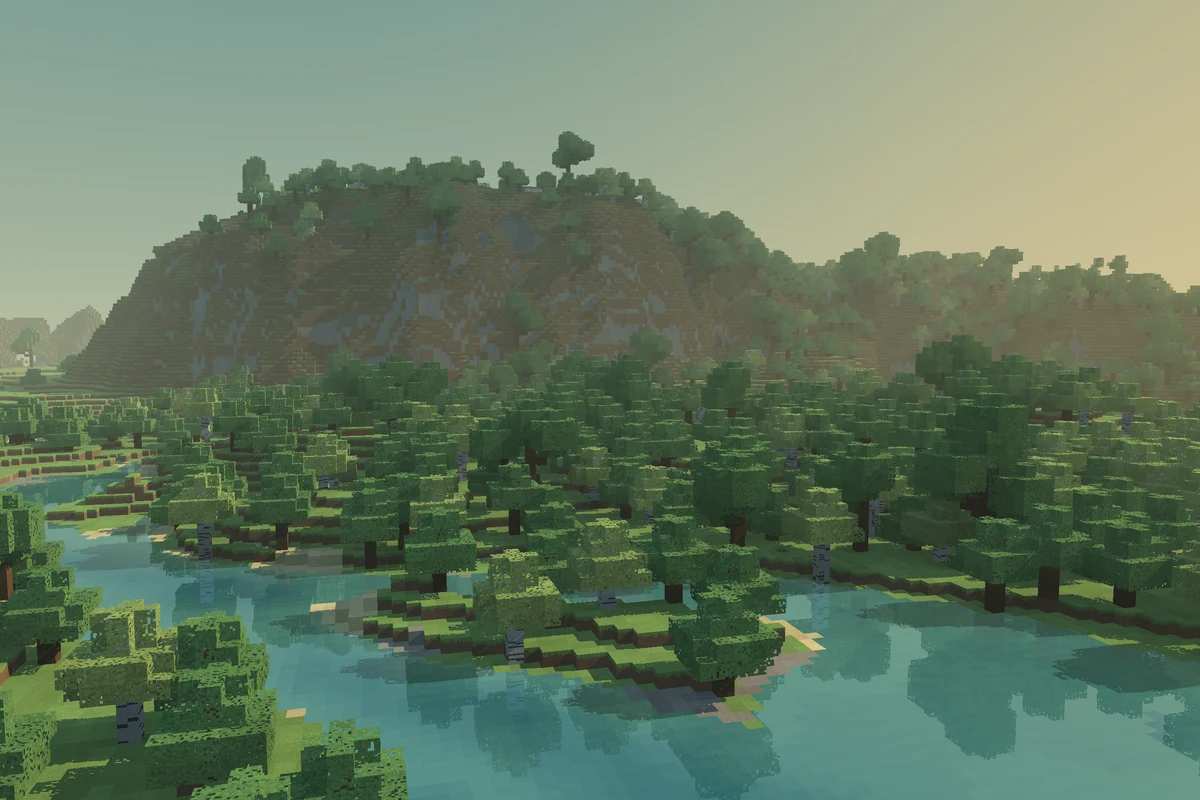
Minecraft Java 26.2 survival on Easy. Claim land, fight in the wilderness, and talk to players nearby.
play.looksmaxmc.com
World spawn X −48 Z 64
How to join
Using your own launcher?Get Prism Launcher
Install Prism and sign in with the Microsoft account that owns Minecraft: Java Edition.
Import the pack
Download the .mrpack. In Prism, choose Add Instance → Import and select the file.
Join the server
Launch the instance, open Multiplayer, and join the saved server. Follow the setup prompts if you want voice chat.
Leaving spawn
Spawn is a protected square. From its center, travel 257 blocks due north, south, east, or west to reach the first unprotected block. Diagonal routes take longer, and your starting position can vary.
- World resets
- None scheduled.
- Wilderness
- PvP is on. Player claims are safe from PvP. Claim the land you build on to protect your base and chests.
- Voice chat
- Players can hear you within 48 blocks, or 24 when you whisper. Press V to choose your microphone and audio settings.
- Backups
- The server restarts daily at 5:00 a.m. Eastern for a backup. Chat warnings appear 5 minutes, 1 minute, and 30 seconds beforehand. Reconnect after the restart.
Press F3 and check Block. Meeting any one of these four limits puts you outside spawn protection.
Land claims
You start with 1,000 claim blocks, enough for a 25 × 40 plot. Your welcome kit includes a golden shovel and a stick.
Make your first claim
- Leave protected spawn and find unclaimed ground.
- With the golden shovel, right-click two opposite corners of your plot. Check chat for confirmation.
- Right-click with a stick to inspect a claim.
Your first chest can create a small claim automatically if there’s enough unclaimed space.
Claim commands
Stand in the claim to manage its permissions. Replace player with a username.
/claimslist- See your claims and remaining claim blocks.
/trust player- Allow building and container access.
/containertrust player- Allow container access.
/accesstrust player- Allow access to doors, buttons, and similar blocks.
/untrust player- Remove a player’s access.
/trustlist- See who has access to this claim.
/abandonclaim- Give up this claim. Its land and contents lose protection.
/trapped- Request help escaping someone else’s claim.
Server rules
- Keep spam out of chat.
- Don’t use glitches or duplicate items.
- Cheating earns a one-week ban for the first offense and a permanent ban for the second.
Manual setup
- Launch Minecraft Java 26.2 with the account that owns the game.
- For proximity voice, install Fabric Loader 0.20.1 and the Fabric release of Simple Voice Chat 2.6.24+26.2. You can play without voice.
- Open Multiplayer → Add Server and enter
play.looksmaxmc.com. Join and follow the voice setup prompts if you installed the mod.